
Add SMS API to Your Next.js App in Under 10 Minutes
Integrating an SMS API into your Next.js app can enhance communication with users. This guide shows you how to do it in just a few steps!
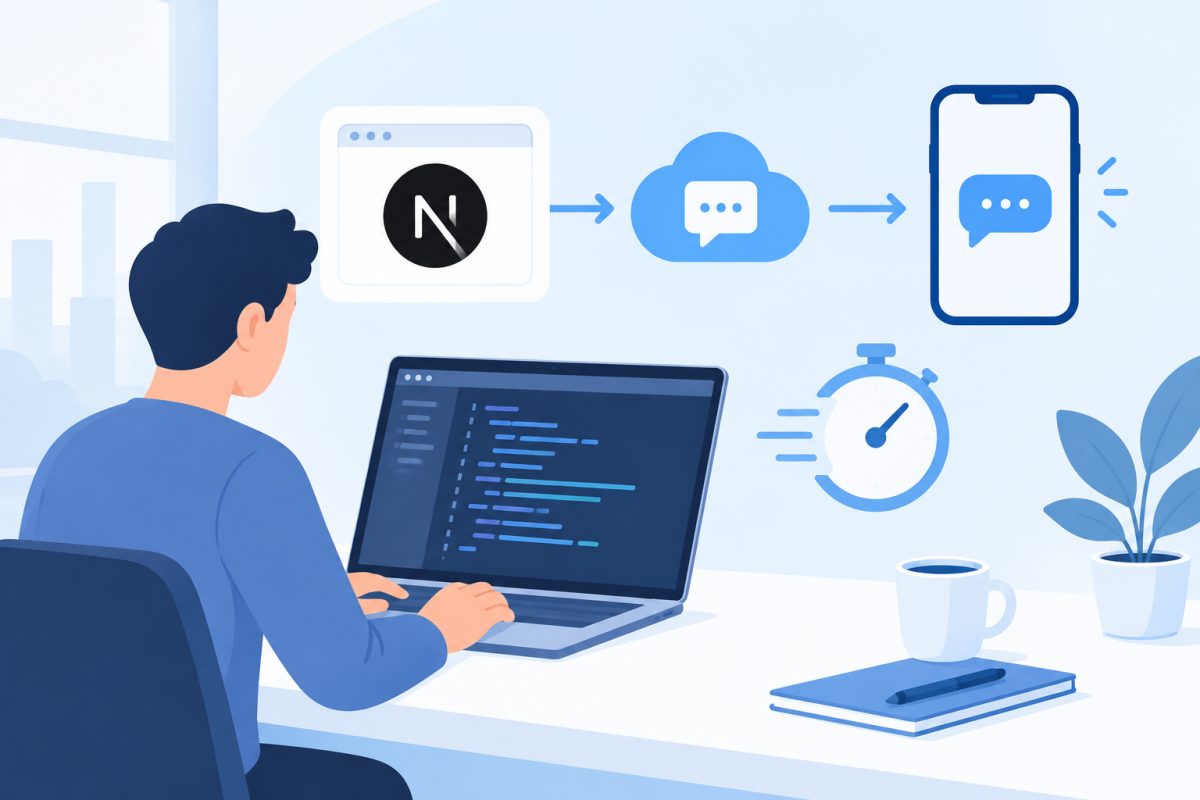
Understanding SMS API Integration
Integrating an SMS API into your Next.js application opens a world of possibilities for communication. Whether you're sending alerts, notifications, or two-factor authentication codes, SMS is a direct line to your users. In Nigeria, where mobile usage is high, leveraging SMS can significantly improve user engagement and satisfaction.
Setting Up Your Next.js Environment
Before diving into the SMS integration, ensure that your Next.js environment is set up correctly. If you haven't created a Next.js app yet, you can do so with the following command:
npx create-next-app your-app-name
Navigate into your project directory and install any necessary dependencies. For this tutorial, we will focus on integrating the SMS API.
Creating an SMS API Account with OdotServices
To send SMS in Nigeria, you'll need an account with a reliable SMS API provider. OdotServices offers a robust SMS API that enables you to send messages from your application easily. Sign up on the OdotServices website and obtain your API key, which you'll need to authenticate your requests.
Sending an SMS Using the OdotServices API
With your API key in hand, you can now implement the code to send an SMS. Below is a simple example using JavaScript (Node.js). This code will be placed in your Next.js app, typically in an API route.
JavaScript example: Send an SMS via OdotServices API
const sendSMS = async (to, message) => {
  const response = await fetch('https://odotservices.com.ng/api/sms/send', {
    method: 'POST',
    headers: {
      'Content-Type': 'application/json',
      'X-API-Key': 'YOUR_API_KEY'
    },
    body: JSON.stringify({
      to: to,
      message: message
    })
  });
  return await response.json();
};

// Example usage
sendSMS('08012345678', 'Hello from your Next.js app!');
Handling Responses and Errors
After sending an SMS, it's crucial to handle the responses correctly. The OdotServices API will return a JSON response that indicates whether the SMS was sent successfully or if there was an error. Implement error handling in your Next.js app to ensure a smooth user experience.
- Check for successful response codes
- Handle errors gracefully
- Log any issues for debugging
Testing Your SMS Integration
Once your SMS integration is in place, it's time to test it. Use a real Nigerian phone number to verify that the messages are being delivered successfully. This step is vital to ensure that your users receive the notifications they expect.
- Send test messages to different numbers
- Check delivery statuses via OdotServices dashboard
- Iterate based on user feedback
Integrating an SMS API into your Next.js application can greatly enhance user engagement. With OdotServices, you can start sending SMS in minutes. Explore more features and start building your communication solutions today!
Liked this? Get one practical business tip a week
Short, useful and written for Nigerian businesses: getting paid faster, reaching customers, staying compliant. No spam, and you can leave any time.
Keep reading
All articles KYC Verification
When to Request BVN Verification for Your Application
BVN verification is crucial for businesses to mitigate fraud risks. This guide explores the right moments to integrate BVN checks into your application.
 KYC Verification
When to Request NIN Verification for Your Application
NIN verification is essential for ensuring compliance and trust in various sectors. This guide helps you understand when your application should request it.
 Business
Fuel, Forex and Food: Economic Policy's Daily Impact
Economic policies significantly shape the everyday lives of Nigerians. This article delves into how fluctuations in fuel prices, forex rates, and food costs intertwine and influence various sectors.
 Politics
Understanding Local Government and Its Importance to Nigerians
Local governments play a crucial role in Nigeria's governance structure. Understanding their functions can empower you to engage more effectively with your community.
Build with email, SMS and identity checks.
One account, one API, billed in Naira.


Comments 0
No comments yet. Be the first to share your thoughts.